Self-employed people and small company directors in the UK working out what to put aside for January, and anyone who has ever opened a Self Assessment bill and not recognised the number.
Come funziona
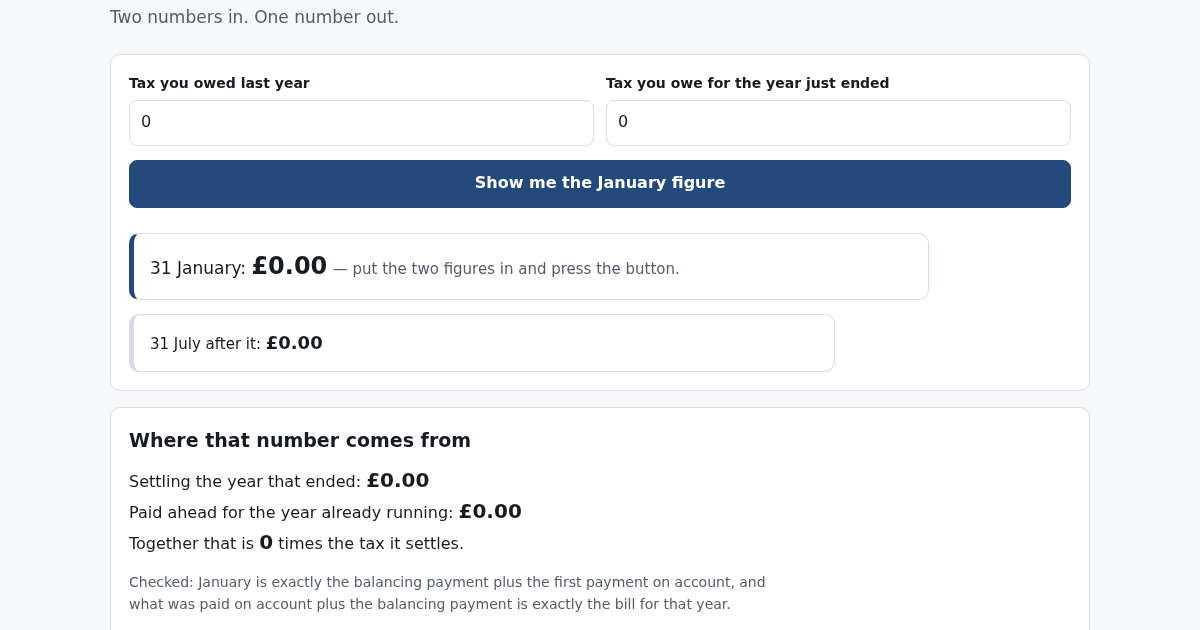
- Add anything besides the tax - capital gains, student loan - and say whether it counts toward payments on account.
- Enter the tax for the year before the one that just ended, and for the year that just ended.
- Confirm the threshold and whether more than the stated share was collected at source.
- Read the January figure split into its two parts, the July figure after it, and the timeline of every date.
Cosa ottieni
- Splits your UK 31 January tax bill into the balancing payment and the first payment on account, so you know in advance it isn't one number but two, and by how much.
Schermata
Dettagli tecnici
Come configurare e usare
- Acquista la licenza — la chiave (lic_...) appare nella pagina dell'ordine e via email.
- Accedi su app.synoriaai.com con la tua chiave di licenza.
- Nessuna installazione — il prodotto gira nel browser, sulla tua istanza isolata.
- 1. Enter a short description of your income (for example, 'Capital gains tax') in the description field.
- 2. Type the total tax amount for the year that just ended in the amount field.
- 3. If you have other income types, click 'Add other' and enter each additional amount.
- 4. Fill in your previous year's tax and current year's tax figures in the two fields provided.
- 5. Click 'Save figures' to see your January bill split into the balancing payment and the first payment on account.
Domande frequenti
Does this tool include capital gains tax and student loan repayments in the payments on account?
No. It keeps capital gains and student loan amounts out of the payments-on-account base, but includes them in your total January bill. This prevents overstating future payments on account.
What happens if my income falls and the balancing figure is negative?
The tool handles that by showing January as a refund rather than a payment, so you see the correct outcome for that year.
How does the tool handle the first year of self-employment?
It accounts for the fact that no payments on account were made previously, so your January bill includes the full balancing payment plus half of next year's estimated tax, showing the total clearly.
Prodotti correlati
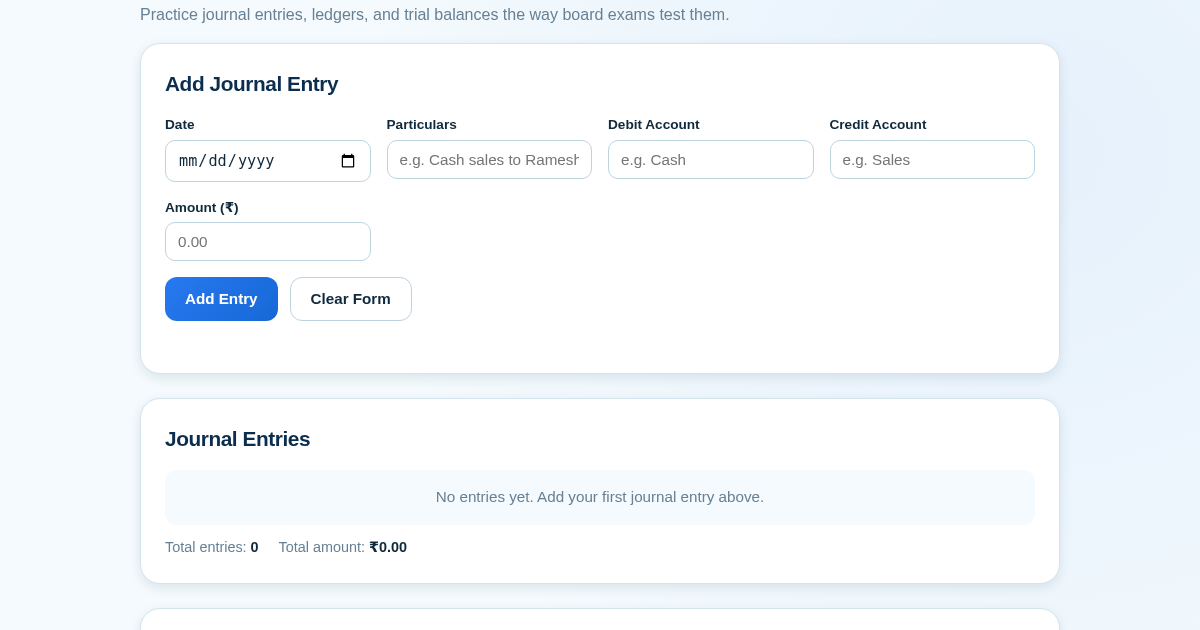
Ledger & Trial Balance Practice Tool
Commerce students in Class 10-12 need to practice journal entries and see how they flow into ledgers, trial balances, and balance sheets for board exams. This tool lets them enter transactions and instantly see the…
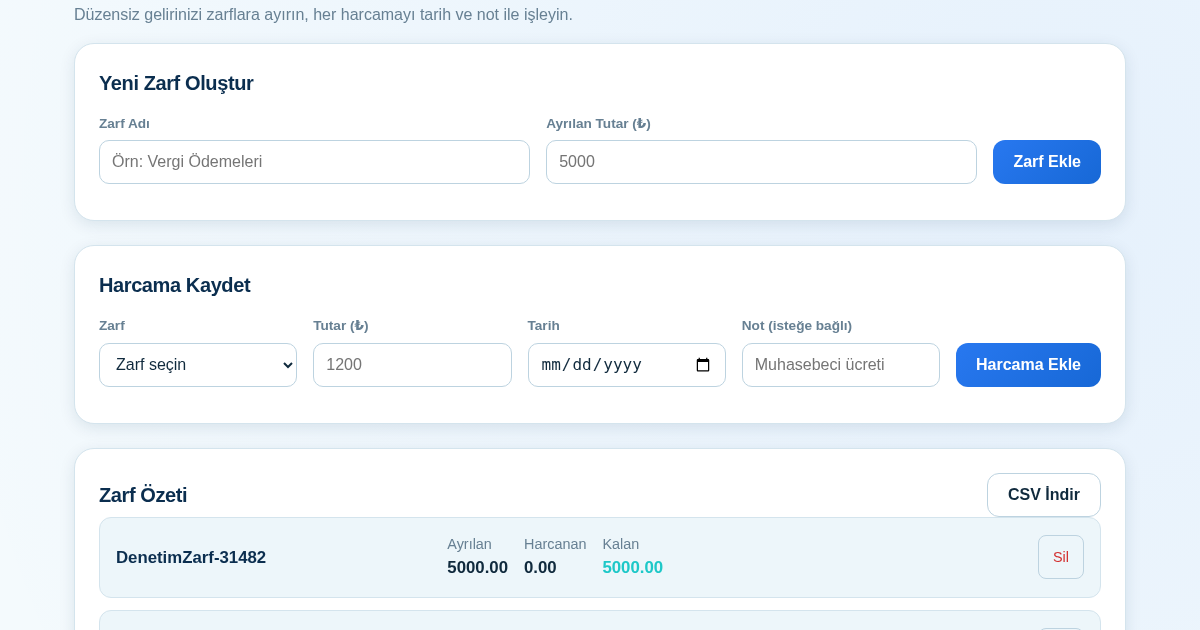
KASA - Serbest Çalışanlar İçin Zarf Bütçesi
Serbest çalışanlar düzensiz gelirlerini vergi, kira ve yaşam giderleri gibi zarflara bölerek bütçelerini düzenli tutabilir. Her harcamayı tarih ve not ile ilgili zarfa işleyerek ne kadar ayırdığını ve ne kadar…
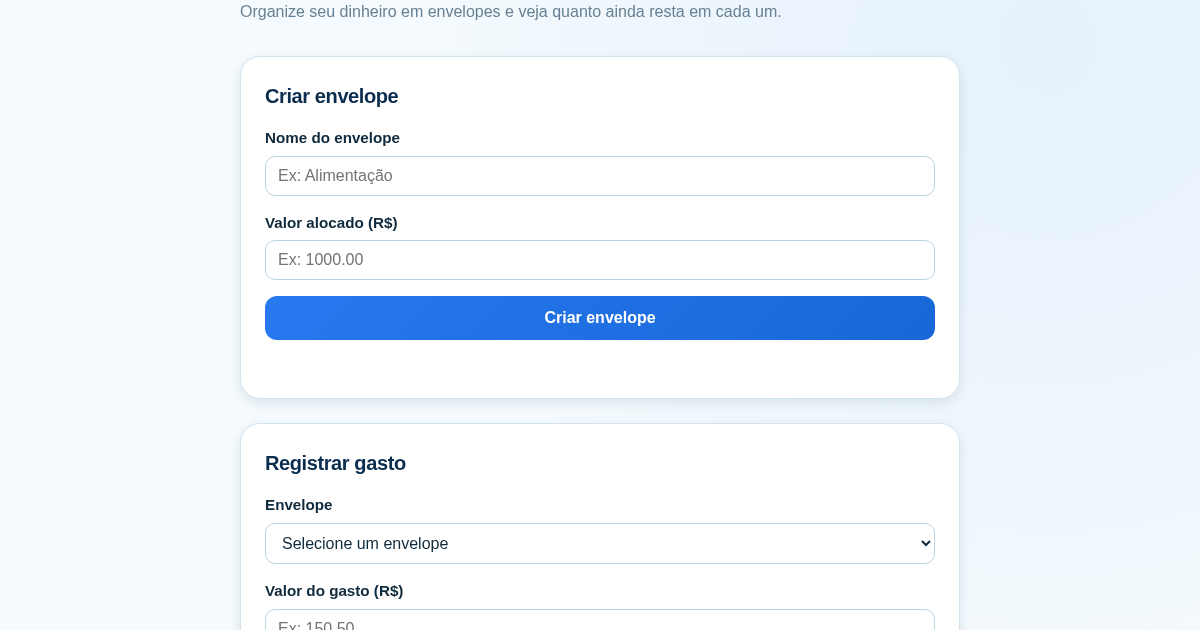
Calculadora de Orçamento por Envelopes (Pix)
Este aplicativo ajuda brasileiros a organizar seu dinheiro em envelopes de orçamento, como alimentação, transporte e lazer, sem precisar conectar uma conta bancária. Ele resolve o problema de controlar gastos do dia a…
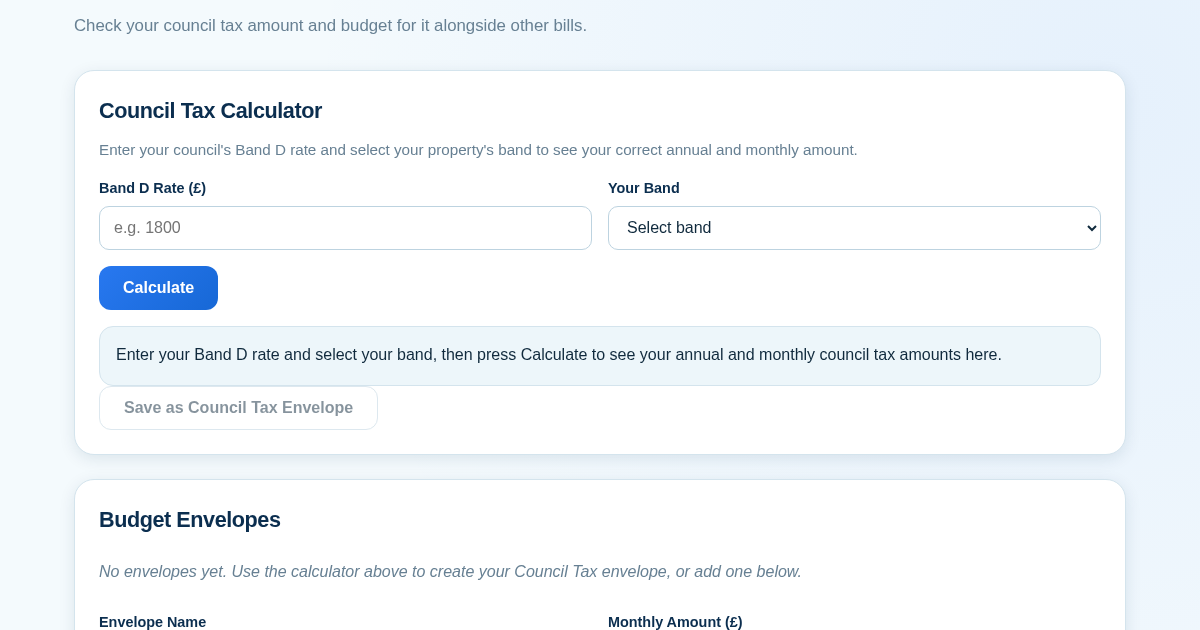
Council Tax Envelope Budget
This app helps UK residents verify they are paying the correct council tax amount for their property band by calculating it from their council's published Band D rate. It then provides a simple envelope-based budgeting…